Business Process Automation
We connect the tools you already use (CRM, ERP, email, WhatsApp) so leads get an instant reply and data stops moving between systems by hand.
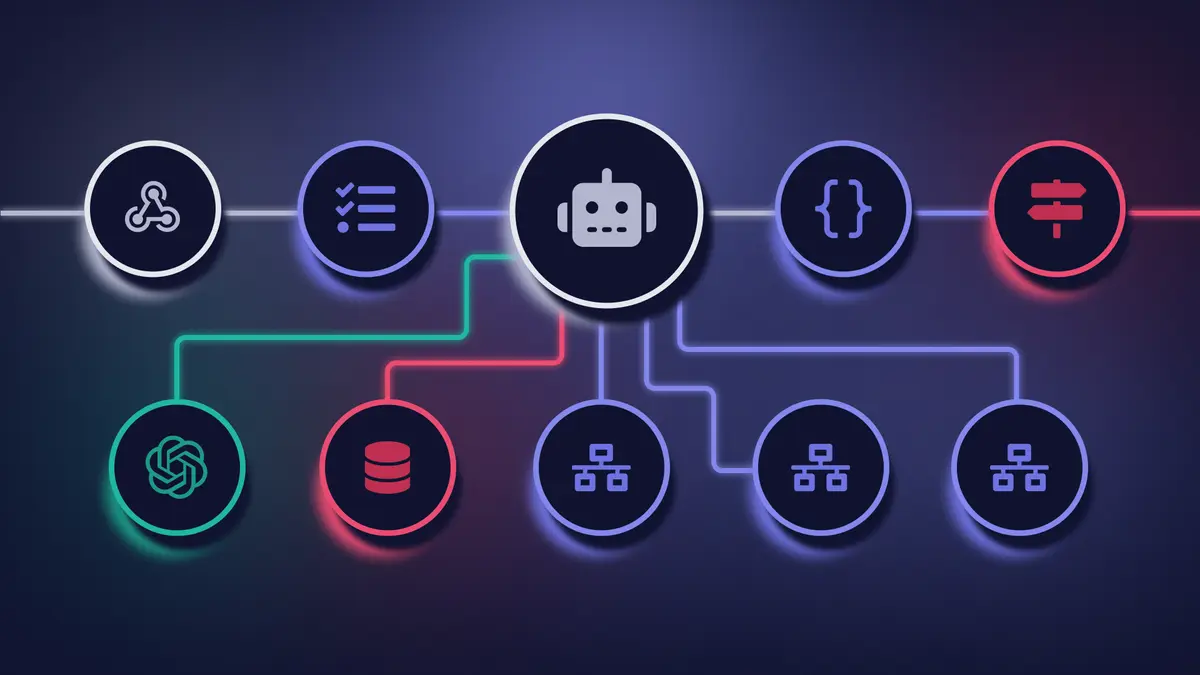
Looking for professional Workflow & Business Automation for Real Estate & Investment? We build specialized solutions that address the unique challenges of the real estate and investment sector and deliver faster sales cycles and transparent portfolio management.
We connect the tools you already use (CRM, ERP, email, WhatsApp) so leads get an instant reply and data stops moving between systems by hand.
Leads contacted within 5 minutes are 21x more likely to convert than those left waiting, and most clients get back 18+ hours a week previously lost to manual data entry. Runs on your own infrastructure with n8n: typically pays for itself in 3–6 months.
We start with your single highest-impact workflow, prove the time savings, then move to the next one, so you see results before committing to the full rollout.
Business process automation is the use of software workflows to execute repetitive operational tasks, data entry, invoice processing, appointment scheduling, lead routing, without human intervention. McKinsey estimates that 60% of all occupations have at least 30% of activities that can be automated with existing technology, yet most mid-sized businesses still rely on manual processes that consume 20–30 hours of staff time weekly.
We build automation workflows using n8n, Python, and direct API integrations that connect your existing applications into automated pipelines. When a form is submitted, an order is placed, or a payment is received, the downstream actions. CRM update, invoice generation, notification dispatch, happen automatically in milliseconds.
Automation does not replace your team. It eliminates the low-value tasks that prevent your team from focusing on work that requires human judgment, creativity, and relationship-building.
The ROI is measurable within weeks: fewer errors, faster response times, and staff capacity redirected to revenue-generating activities.
Communication automation is the practice of connecting customer-facing messaging platforms. WhatsApp, Facebook Messenger, Instagram, email, directly to your internal business systems so that inquiries, confirmations, and follow-ups happen without manual intervention. Businesses that respond to leads within 5 minutes are 21 times more likely to qualify them than those responding after 30 minutes.
We build automated communication flows that eliminate response delays:
Every flow includes fallback logic for failed deliveries, opt-out compliance for GDPR, and real-time monitoring so your team sees exactly which messages were sent, opened, and acted on.
Automated scheduling is a workflow that checks staff availability, books appointments, sends calendar invitations with video call links, and dispatches reminders, eliminating the back-and-forth coordination that consumes hours of administrative time weekly. Healthcare practices using automated reminders report a 26% reduction in no-show rates compared to manual booking processes.
We implement scheduling automation using n8n workflows connected to Google Calendar, Microsoft Outlook, or custom booking systems. The flow handles timezone conversion for international clients, buffer time between appointments, and automatic rescheduling of cancelled slots.
SMS and email reminders are sent 24 hours and 1 hour before the appointment. If the client does not confirm, the slot is released and offered to the waitlist automatically.
For service businesses, the impact is immediate: staff spend zero time on scheduling logistics, cancellations fill themselves, and the administrative cost per appointment drops to near zero.
Business process automation delivers the highest return when applied to high-frequency, rule-based tasks where manual execution introduces delays and errors. These are the three use cases we deploy most frequently, each with documented ROI from client implementations.
Sales Funnel Automation: A web inquiry triggers instant quote generation using predefined pricing rules, sends the proposal to the prospect via email, creates a deal in the CRM with stage and value assigned, and schedules a follow-up reminder for the sales team if no response arrives within 48 hours. Result: lead response time drops from 4 hours to under 2 minutes.
Financial Process Automation: Incoming payments are reconciled against open invoices automatically. Receipts trigger accounting entries in the bookkeeping system. Overdue invoices generate reminder sequences with escalation logic. A distribution company eliminated 15 hours/week of manual reconciliation with this workflow.
Support Ticket Routing: AI-powered classification reads incoming support messages, scores urgency using sentiment analysis, and routes tickets to the correct department with priority flags. Critical issues surface within seconds instead of waiting in a shared inbox. Response time for urgent tickets dropped by 72% in one implementation.
Business process automation is right for any company where staff regularly perform repetitive tasks that follow consistent rules, data transfer between systems, document generation from templates, notification dispatch based on triggers, or report compilation from multiple sources. If your team spends more than 10 hours per week on tasks that follow the same pattern every time, automation will deliver positive ROI.
The businesses that benefit most:
Automation is not an all-or-nothing decision. We start with the single highest-impact workflow, measure the time savings, and expand based on documented results. Most clients automate 3–5 additional workflows within the first year once they see the initial ROI.
Starting a business automation initiative requires identifying the right workflow first, the one with the highest frequency, clearest rules, and most measurable time savings. We follow a structured assessment process that moves from analysis to live automation in stages, for most standard workflows.
Step 1. Process Audit: We map your current workflows, identify the top five automation candidates, and estimate time savings and error reduction for each. The audit output is a prioritized roadmap ranked by ROI.
Step 2. Architecture and Build: We build the highest-priority workflow using n8n or custom API integrations, connecting your existing tools without requiring any platform changes. Error handling, retry logic, and notification alerts are included.
Step 3. Testing and Launch: The workflow runs in parallel with your manual process for validation. Once confirmed accurate, it goes live and the manual process is retired.
Step 4. Monitoring and Expansion: We set up dashboards showing execution counts, success rates, and time saved. Your team sees the ROI in real numbers, and we move to the next workflow in the queue.
Every workflow's complexity is different: the Process Audit is what confirms your real timeline, not a guess upfront. No minimum contract. No platform subscription. You pay for the build, own the automation, and operate it on your infrastructure.
The reliability of your automation depends entirely on the technology behind it. We select tools based on your data sovereignty requirements, integration complexity, and long-term maintenance needs, not based on vendor partnerships or what is easiest to demonstrate in a sales call.
n8n. Primary Engine for Most Projects: We use n8n as a self-hosted automation platform for the majority of our builds. Unlike Zapier or Make, n8n runs on your own infrastructure, meaning your business data never passes through third-party servers. This is critical for GDPR compliance and enterprise security policies. It supports 400+ native integrations and allows custom JavaScript/Python code nodes for complex logic that no-code tools cannot handle.
Make. For Simpler Flows: For straightforward automation needs, weekly reports, form-to-CRM connections, email sequences. Make offers a cost-effective solution with fast setup time and a visual interface your team can maintain independently.
Custom Webhooks and Direct API Integrations: When no off-the-shelf connector exists, we build direct API integrations using Node.js or Python. This is common for legacy ERP systems, government portals (FINA, tax authorities), and proprietary industry software.
AI-Enhanced Flows: We embed LLM nodes (OpenAI, Anthropic Claude) directly into automation workflows. An invoice arrives by email, AI extracts line items, the ERP is updated, and payment is triggered. Zero manual steps, zero data re-entry.
All automations include error handling, retry logic, monitoring dashboards, and written documentation so your team can understand and maintain them independently.
Custom automation, Zapier, and Make each serve different automation needs. Custom n8n-based automation delivers the highest data privacy, unlimited logic customization, and the lowest cost at scale. Zapier offers the broadest app directory with simple setup. Make provides advanced visual scenarios at a mid-range price point. The comparison below maps the tradeoffs across the factors that matter most for business-critical workflows.
| Criterion | Custom (Neviox) | Zapier | Make (Integromat) |
|---|---|---|---|
| Cost at high volume (10k+ tasks/mo.) | Stable, predictable | Scales per task | Scales per operation |
| Logic customisation | Unlimited | Basic conditional logic | Advanced scenarios |
| Execution speed | Milliseconds | 1–15 min (polling) | 1–15 min (polling) |
| Data privacy | Your infrastructure | Zapier servers (US) | Make servers (EU) |
| Internal system integration | Direct | API adaptors | API adaptors |
| Error handling | Custom logic | Basic | Advanced |
| Offline / on-premise | Yes | No | No |
| Long-term cost of ownership | Lower | High at scale | Medium |
Our agency provides tailored Workflow & Business Automation to companies in the Real Estate & Investment sector. We specialize in building digital systems that solve the specific challenges of the real estate and investment sector, from operational automation to user experiences designed for your end users.
Whether you are a startup or an established organization in the Real Estate & Investment space, our expertise in Workflow & Business Automation delivers tangible results. We combine deep understanding of the real estate and investment sector with a modern, proven stack to deliver solutions that scale with your business.
Real estate agencies, property developers, and investment firms increasingly rely on custom digital platforms — from property listing portals and CRM systems to investor dashboards that provide real-time portfolio visibility. Firms that digitize their sales funnel and automate buyer communication close deals faster and maintain the transparency that institutional investors demand.
Real estate agencies lose real time manually filtering enquiries — AI integration can qualify interested buyers by budget and location automatically, before an agent ever picks up the phone.
We know the challenges of the real estate and investment sector from the inside, from regulatory requirements to end-user expectations. Our clients in the Real Estate & Investment sector confirm that specialized expertise makes a critical difference.
Why Real Estate & Investment companies choose us:
Launch a project that addresses the real needs of your industry. Get in touch and discover how our Workflow & Business Automation can help your Real Estate & Investment business achieve faster sales cycles and transparent portfolio management, faster than you'd expect.
Plan your budget with precision. Use our automated estimator to get an instant pricing breakdown for custom software, Enterprise AI, or SaaS web development. Avoid budget overruns with a data-backed ballpark quote in 60 seconds.


