UI/UX Design
We design interfaces built to convert, not just to look good: every screen tied to a real goal, not decoration.
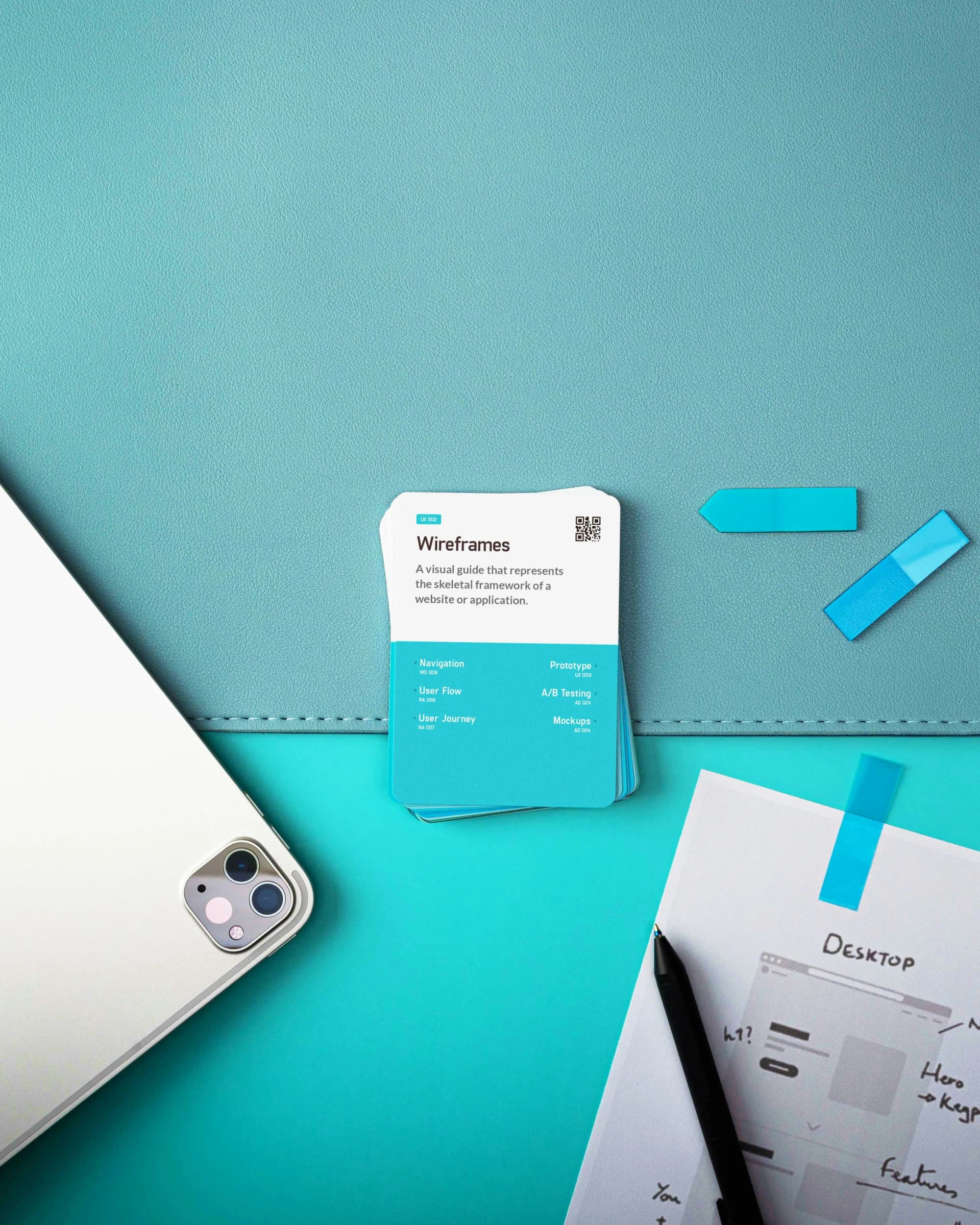
We design interfaces built to convert, not just to look good: every screen tied to a real goal, not decoration.
Typically 25–40% lower bounce rate after implementation, and accessible by default (WCAG 2.2) so no visitor is left out. Ships straight from Figma to production: no redesign lost in translation.
We start by reviewing your current site (or your goals if you're starting fresh) and test designs against real usability data before anything ships, so decisions are based on how people actually behave, not opinion.
User-centered design is a methodology that treats every interface element, colour, spacing, typography, interaction, as a variable that affects measurable business outcomes. When design decisions are made aesthetically rather than analytically, companies waste development budgets on interfaces that look polished but fail to convert. Research by Forrester shows that every $1 invested in UX returns $100 in value over the product lifecycle.
We approach design with the same rigour we apply to code. Each component is tied to a KPI: conversion rate, task completion time, error frequency, or retention metric. Visual hierarchy is engineered using eye-tracking patterns (F-pattern for content pages, Z-pattern for landing pages). Colour contrast ratios meet WCAG 2.2 AA standards by default.
The result is software where users accomplish their goals without friction, reducing support tickets, training time, and bounce rates simultaneously.
Design validation is the practice of testing clickable prototypes with real users before any development begins, eliminating costly rework that occurs when UX problems surface after code is written. Fixing a usability issue during the design phase costs approximately $1 for every $100 it would cost to fix in production.
We build interactive prototypes in Figma that simulate the complete user journey, navigation, form flows, error states, and edge cases. These prototypes are tested using Maze for quantitative usability metrics and moderated sessions for qualitative feedback.
Every prototype goes through a minimum of two iteration rounds with your stakeholders. Screen-by-screen annotations document the reasoning behind each design decision, ensuring alignment between business goals and user experience.
By the time development begins, the interface has already been validated. Developers receive pixel-accurate specifications with no ambiguity about layout, spacing, or interaction behavior.
A design system is a documented library of reusable UI components, typography rules, colour tokens, and interaction patterns that ensures visual and functional consistency across an entire product. Products with more than 20 screens or multiple development teams benefit from a design system because it eliminates inconsistency and accelerates feature delivery by up to 50%.
We build design systems in Figma with auto-layout, component variants, and design tokens that map directly to Tailwind CSS utility classes in the codebase. Developers implement the exact design without interpretation or guesswork.
Every component is documented with its states (default, hover, active, disabled, error, loading), responsive behavior across breakpoints, and accessibility annotations. The system becomes a shared language between design and engineering.
For growing products, a design system is not overhead, it is infrastructure. It reduces the cost of building every subsequent feature and ensures your brand remains consistent as the team and product scale.
A UX audit is a systematic evaluation of an existing interface to identify friction points where users abandon tasks, misunderstand navigation, or fail to reach conversion goals. The average e-commerce site has 39 usability issues that directly impact revenue, according to Baymard Institute research. Most go undetected without structured analysis.
We audit existing software using a combination of heatmap analysis (PostHog, Hotjar), session recordings, funnel analytics, and heuristic evaluation against Nielsen's 10 usability principles. Each finding is scored by severity and estimated revenue impact.
Behavioural psychology informs the fix: anchoring effects for pricing displays, loss aversion framing for limited offers, progressive disclosure to reduce cognitive load on complex forms, and social proof placement at decision points.
The output is a prioritized action plan. Quick wins (copy changes, CTA repositioning, form simplification) are implemented immediately. Structural changes (navigation redesign, checkout flow rework) are planned into the development roadmap with projected impact estimates.
Design decisions directly impact Core Web Vitals scores because image weight, layout shifts, font loading, and animation complexity are all design choices made before a developer writes a single line of code. Google uses Cumulative Layout Shift (CLS), Largest Contentful Paint (LCP), and Interaction to Next Paint (INP) as ranking signals, making performance-aware design an SEO requirement, not just a technical preference.
We design with performance constraints built in. Images are specified at exact dimensions to prevent layout shift. Font stacks use system font fallbacks with size-adjust to eliminate flash of unstyled text. Animations use CSS transforms and opacity, never layout-triggering properties.
Responsive designs define three breakpoints (mobile 375px, tablet 768px, desktop 1280px) with explicit image sizes per breakpoint, enabling developers to implement srcset and the picture element correctly.
The result: designs that score 90+ on Core Web Vitals before any backend optimization is applied. Performance is a design decision, not a development afterthought.
UX work produces tangible assets that directly transfer into development, not mood boards or abstract concepts. Every project delivers a complete handoff package with documented specifications alongside the design itself.
Design Deliverables:
Measurable Outcomes We Target:
The Process: Projects begin with a discovery workshop (remote or on-site). We map user journeys, define KPIs, and establish the design language before a single pixel is drawn. This prevents expensive late-stage revisions and ensures every design decision is tied to a business goal.
Don't need a new design? A specific problem in the one you have, fixed fast.
If part of your site breaks on mobile or tablet, you don't need a new project. We take on the exact fix with a price estimate before we start.
Responsive layout fix (mobile/tablet)
Broken layout, overlapping elements, or components that don't work on smaller screens.
Our agency provides tailored UI/UX Design to companies in the Enterprise & Institutions sector. We specialize in building digital systems that solve the specific challenges of the enterprise and institutional sector, from operational automation to user experiences designed for your end users.
Whether you are a startup or an established organization in the Enterprise & Institutions space, our expertise in UI/UX Design delivers tangible results. We combine deep understanding of the enterprise and institutional sector with a modern, proven stack to deliver solutions that scale with your business.
Large enterprises and public institutions struggle with the growing complexity of internal operations — from HR and finance to project management and regulatory compliance. Custom software that replaces scattered spreadsheets with a single source of truth reduces operational costs, eliminates manual errors, and gives management real-time visibility across the entire organization.
A corporate website is often the first reference point for a potential B2B partner or a tender committee — it has to look serious, load fast, and clearly present capabilities and contacts, without unnecessary marketing polish.
We know the challenges of the enterprise and institutional sector from the inside, from regulatory requirements to end-user expectations. Our clients in the Enterprise & Institutions sector confirm that specialized expertise makes a critical difference.
Why Enterprise & Institutions companies choose us:
Launch a project that addresses the real needs of your industry. Get in touch and discover how our UI/UX Design can help your Enterprise & Institutions business achieve scalability, process automation, and centralized management, faster than you'd expect.
Plan your budget with precision. Use our automated estimator to get an instant pricing breakdown for custom software, Enterprise AI, or SaaS web development. Avoid budget overruns with a data-backed ballpark quote in 60 seconds.


